77289.2USD
53.93USD
2144.22USD
0.03USD
8.8USD
642.97USD
0.04USD
85.24USD
0.05USD
1.39USD
0.11USD
Luckyminer LV07 Instruction and User Guide Mobile phone English
5498 views 丨 2024-07-23 16:51
Minerfixes
62 subscribers
Subscribe
Share
Favorites
Make Global ASIC Maintenance Easier
1
Sign in You can only post comments after logging in.
@Ada

You can check the Luckyminer working status by the below methods,

1\ from the Luckyminer screen

2\ review the dashboard directly after configuring the miner

3\ enter the IP address displayed on the device into the browser, and then you can access the "dashboard" page

4\ open the pool website you set, if solo mining, enter the wallet you configured; if pool mining,log in your account

Popular videos
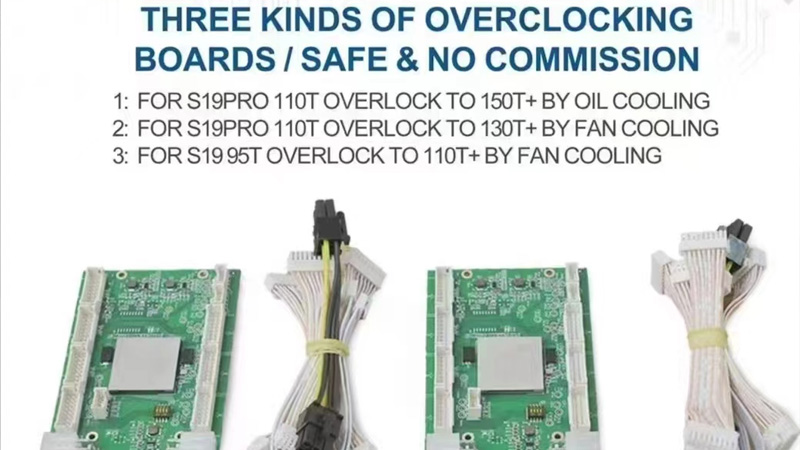
S19 overclocking board installation
Flash
3789 views 丨 2023-08-07 03:19
20Points
Beginners must learn courses
Minerfixes
1683 views 丨 2023-08-09 02:29
How to Export Miner Logs
Flash
2441 views 丨 2023-08-03 03:42
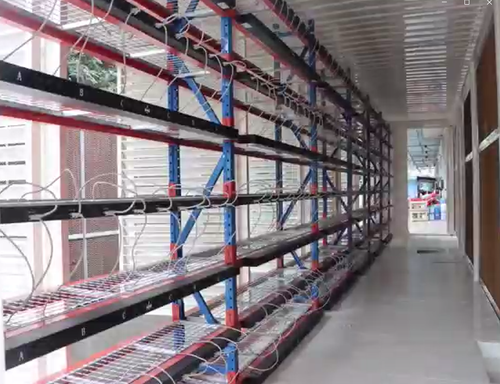
40-foot miner box disassembled
APAC Bitcoin Mining
3663 views 丨 2023-09-05 06:14
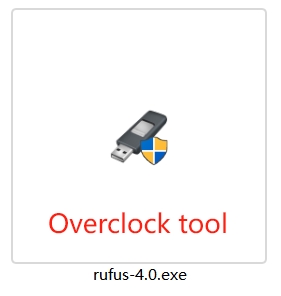
Overclock_TF card operation with rufus tool_20231030
Yoda
2177 views 丨 2024-08-28 10:57
350Points
Antminer S17e hashboard Domain and Chip Circuit
Minerfixes
1784 views 丨 2023-07-13 08:59
Antminer L3+ Fixture Test Tool Unboxing
Flash
2386 views 丨 2023-08-03 03:51
2022 Minerfixes - All Rights Reserved